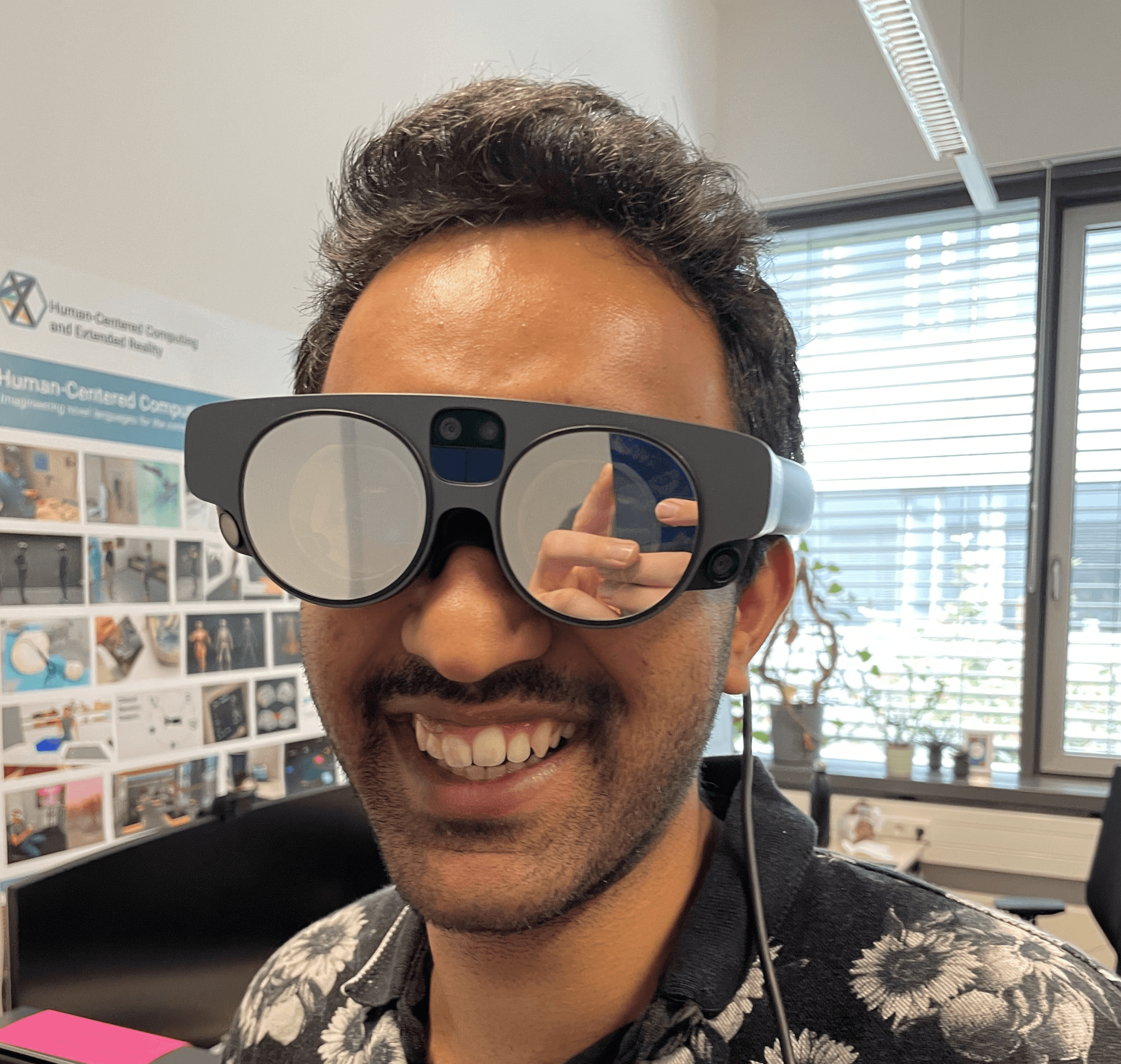
Traditional screens limit your thinking. Duck XR expands it.
Tools for The Spatial Mind
FEATURES
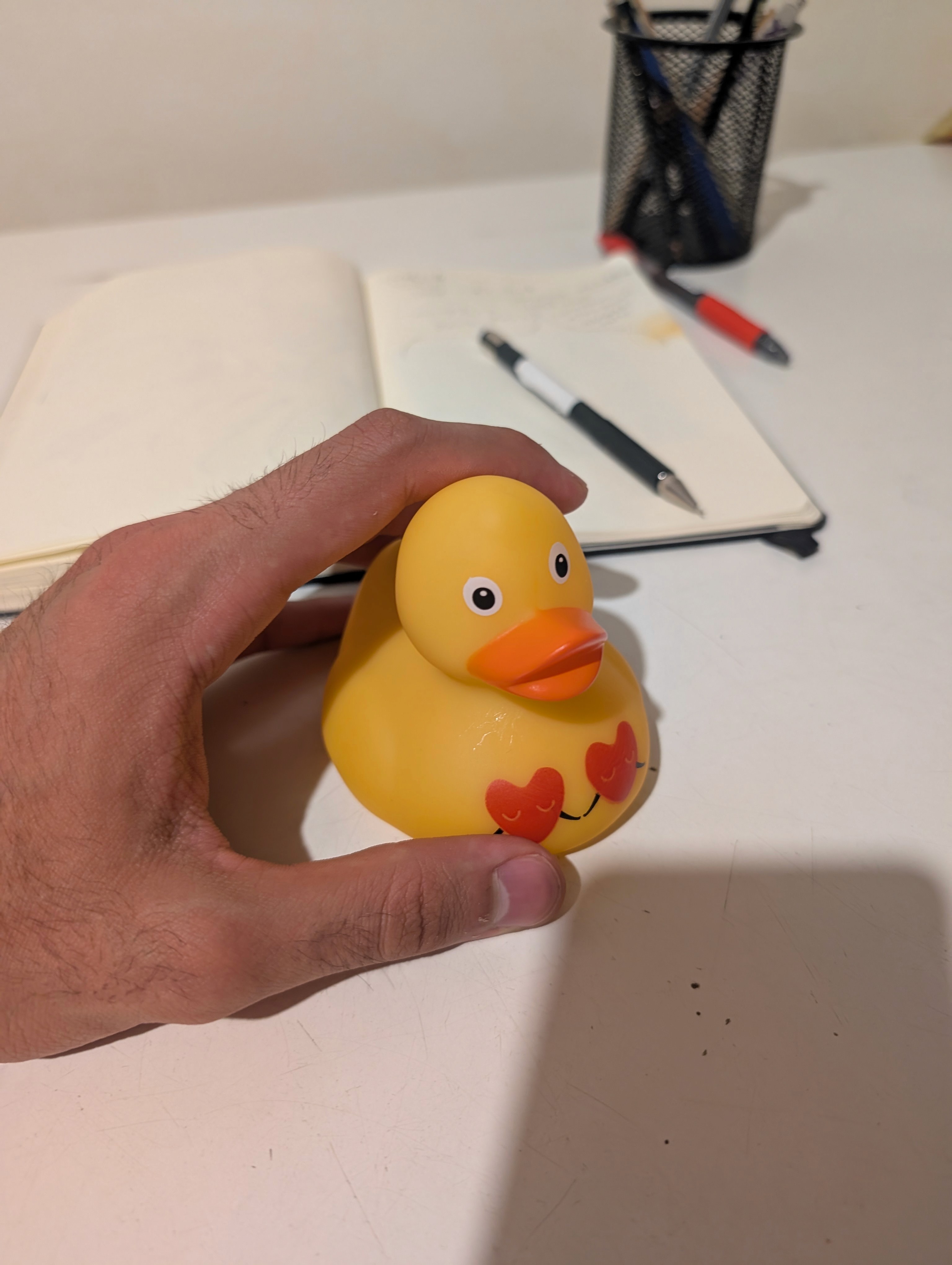
Physical Component
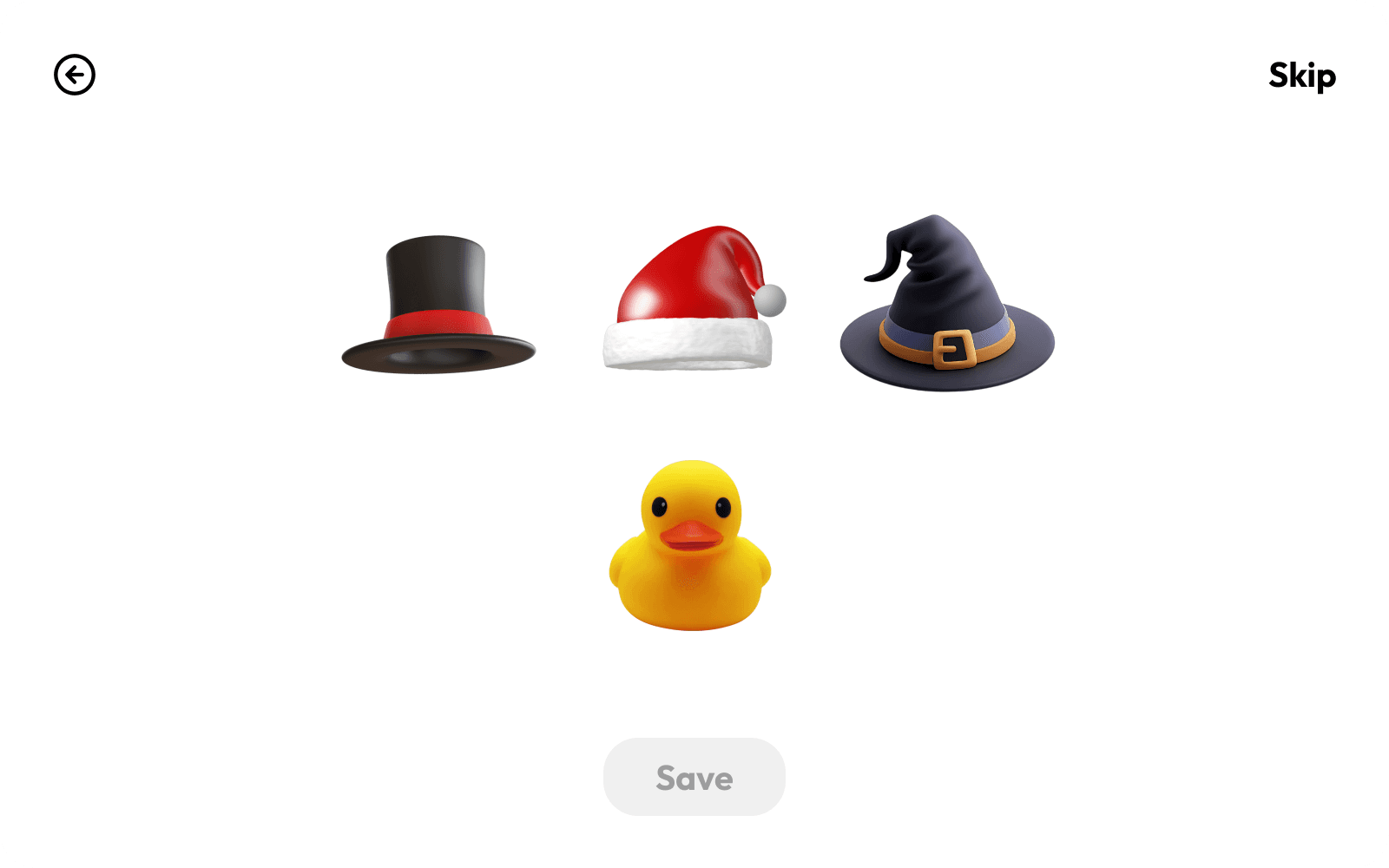
A rubber duck placed on the user's desk, serving as a tangible thinking companion
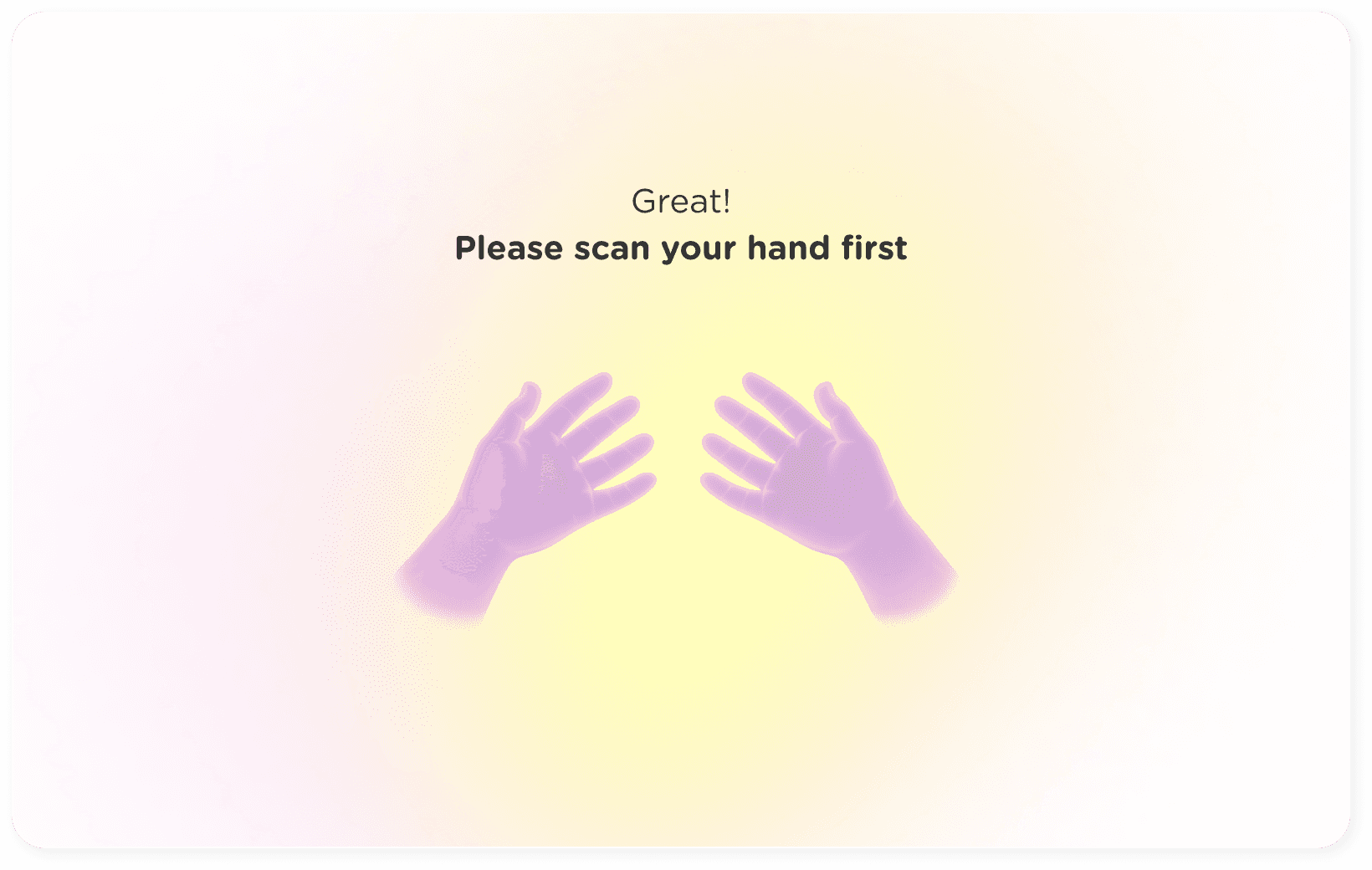
Hand
Interaction
To interact with duck and Board elements
PROCESS
Our first step was to define who we’re designing for
— by crafting personas that reflect our potential users and customers.
As a team we were all eager to explore the concept of Rubber Debugging in the context of creative brainstorming and ideation tool.
What is Rubber Debugging?
Rubber duck debugging is a well-known technique where
programmers explain their code step by step to a rubber duck —
by talking out loud, they often spot mistakes or better understand the problem.
But you can use this technique in many areas of work to:
organize thoughts, solve problems
prepare ideas
PERSONAS
STORYBOARD
CONTEXT OF USE
Since the context of use is set in a company environment, we tailored
two distinct settings where potential users can choose to interact with
the duck: either from their home office or in a private office space at
work — depending on where they feel most comfortable.
TEAM

Aleena Hasan UX/UI Designer
Tools

Alexandra Zerbe UX/UI Designer
Featured

Yeongjin Kim UX/UI Designer
Management